
Full Instructions
You do not need to be a doctor to use the Yellow Butterfly test. Follow these simple steps: install the app, dip the test strip into urine, and take a photo. The app does the rest.
-
Activate Your Licence
Open the app and tap "Add Scans". Scan the QR code on the test package — the app will verify the licence and prepare the analysis.

-
Prepare a Sample
Collect a fresh midstream urine sample in a clean, dry container. Morning is ideal, but any time of day works.

-
Open the Packaging
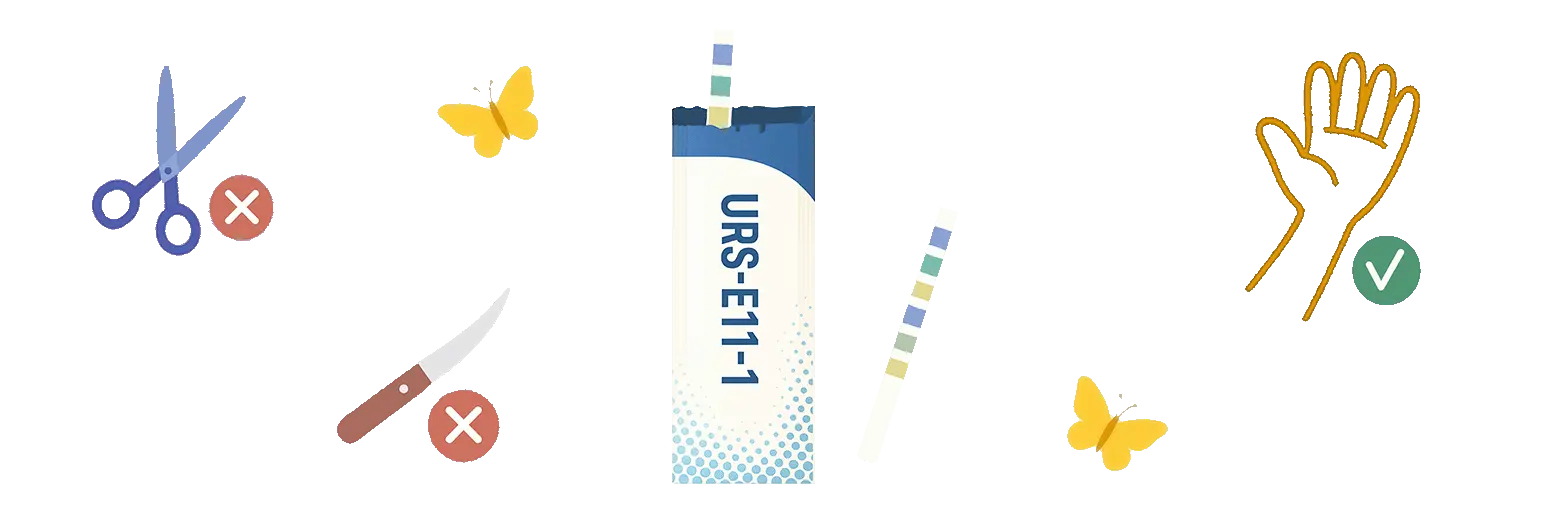
Carefully tear open the strip packaging along the scored edge. Do not use scissors or a knife — you could damage the reaction zones.
-
Dip the Strip
Immerse the strip in the container so that all reaction zones are fully covered with urine. Hold for 1–2 seconds.

-
Blot and Wait
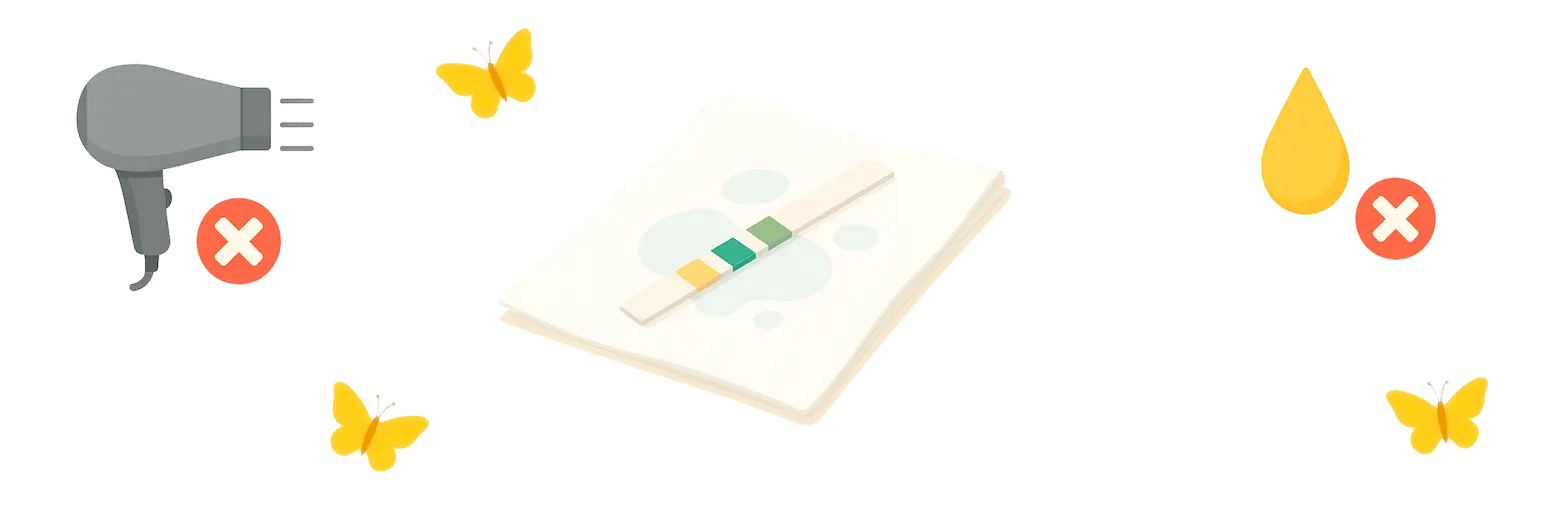
Blot the strip sideways on a clean tissue so it does not drip. Wait at least one minute for the reaction zones to develop. Do not use a hair dryer.
-
Place on the Scale
Lay the strip in the slot on the colorimetric reference scale, white tail up. Make sure it sits flat in the recess and the scale stays clean.

-
Scan the Strip
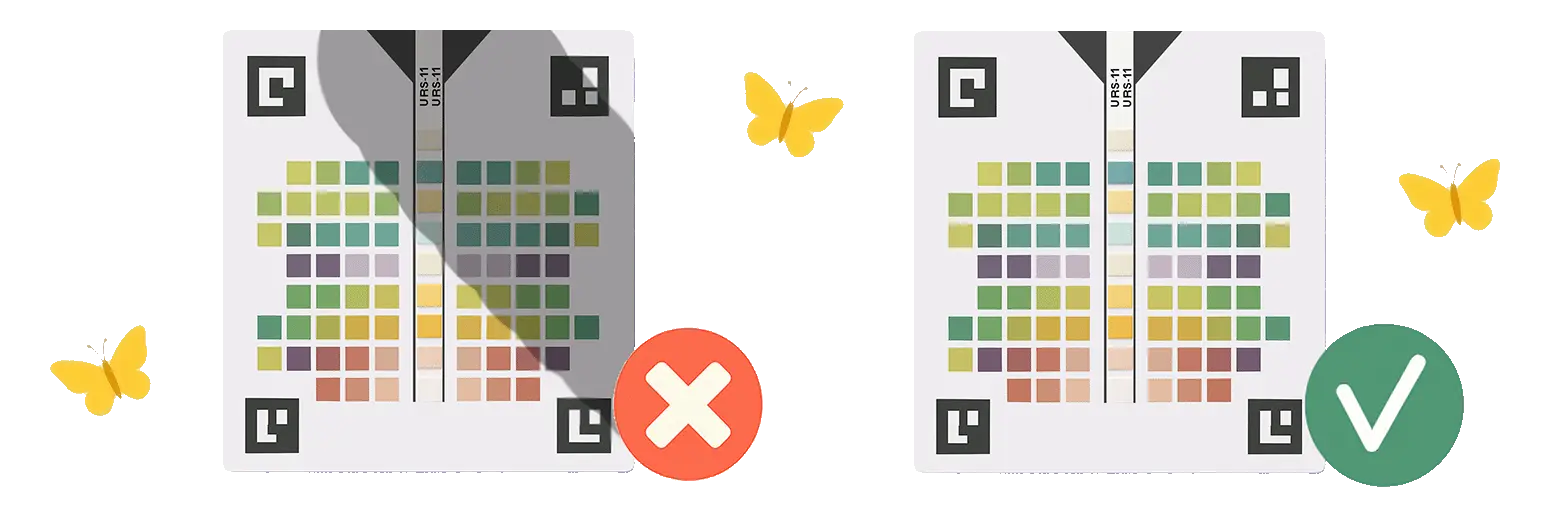
Tap "Urinalysis" in the app. Shoot under even lighting, keep the scale centred in the frame — no shadows or tilting.
-
Get Your Result
The app automatically reads the values and displays the result with explanations. If needed, it will advise you to consult a specialist.